What is DocLock?
DocLock is a web-based document management system. It gives your organization one secure place to store documents, organize them into team workspaces, control who can see and change them, send them through review and approval, and keep a trustworthy record of everything that happens to them.
Everything runs in your web browser — there's nothing to install on your computer. You sign in, and the screens you see are tailored to your role, from a knowledge worker managing their own files to an administrator looking after the whole system.
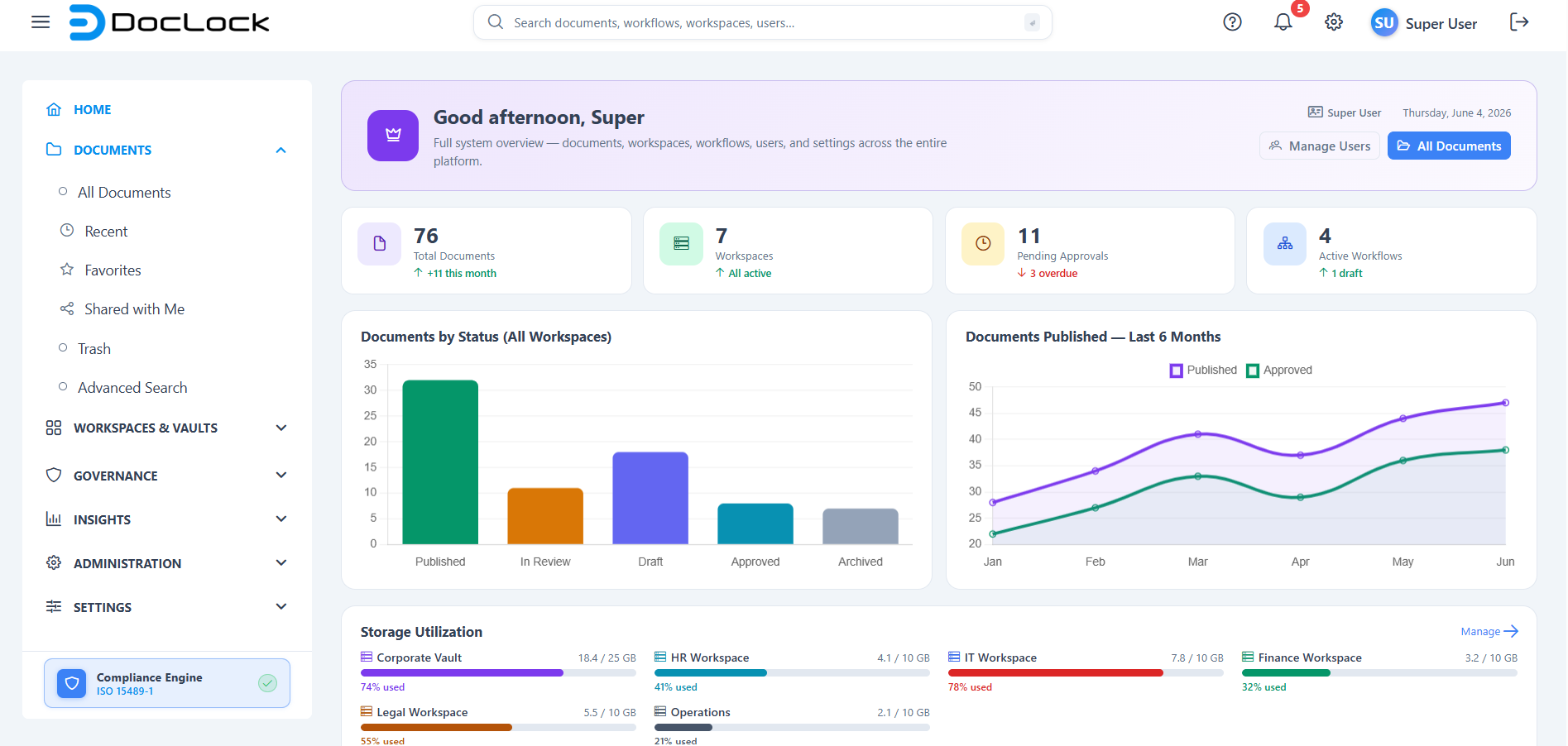
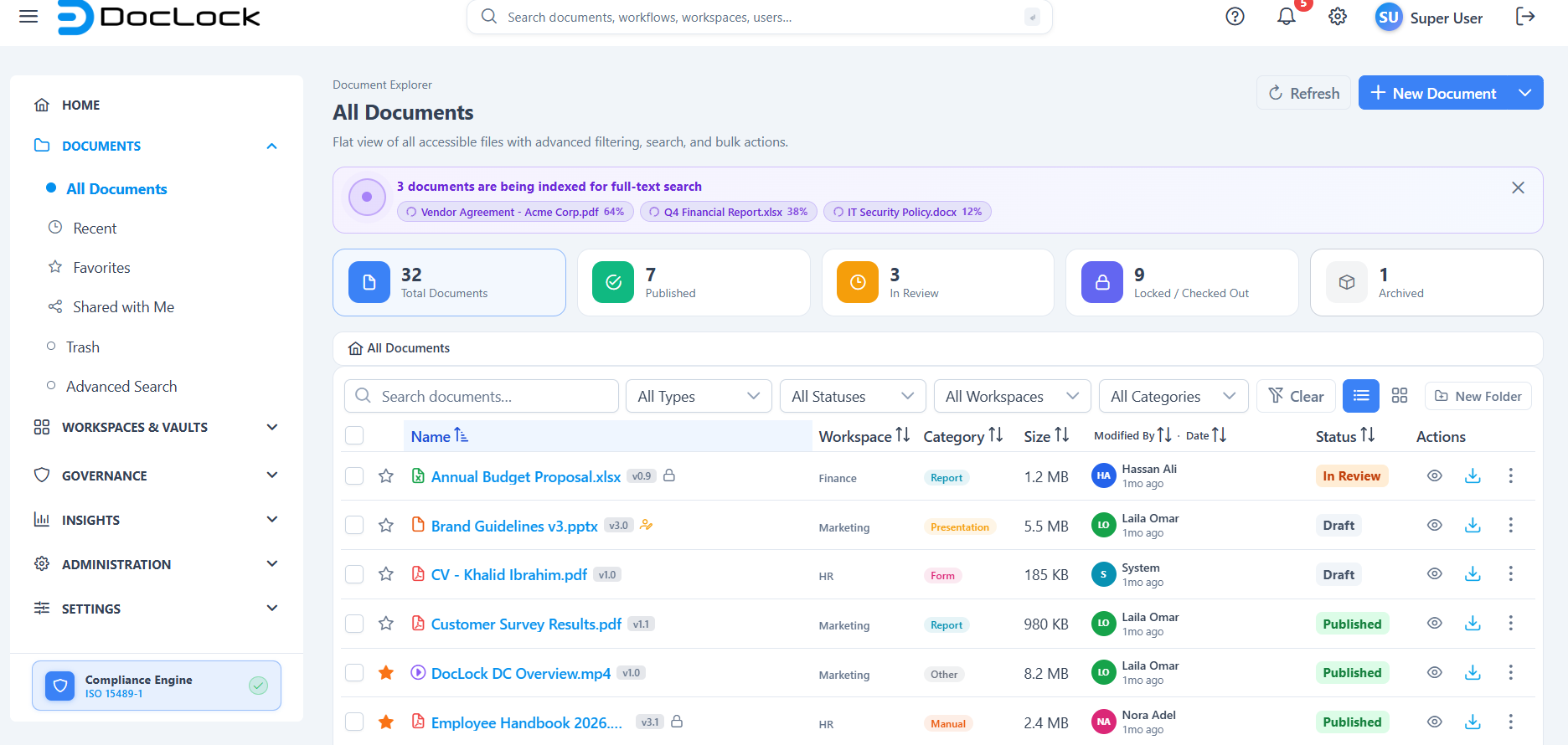
What you can do with DocLock
- Store and organize documents in shared workspaces (for example Human Resources, Finance, or Legal) and in your private Personal Vault.
- Upload files — PDF, Word, Excel, PowerPoint, images, text, and ZIP — or create new ones from approved templates.
- Find anything fast using the global search box in the top bar or the Advanced Search page.
- Track a document's lifecycle through statuses such as Draft, In Review, Approved, Published, and Archived.
- Protect documents with lock states (locked / checked out), legal holds, and retention rules.
- Route work through review and approval workflows.
- See the full history of who did what, and when, in activity feeds and audit reports.
The two things to learn first
- Workspaces are where documents live. Most of your work starts by opening a workspace.
- Your role decides what you can see and do. Two people can sign in to the same DocLock and see very different menus and buttons.
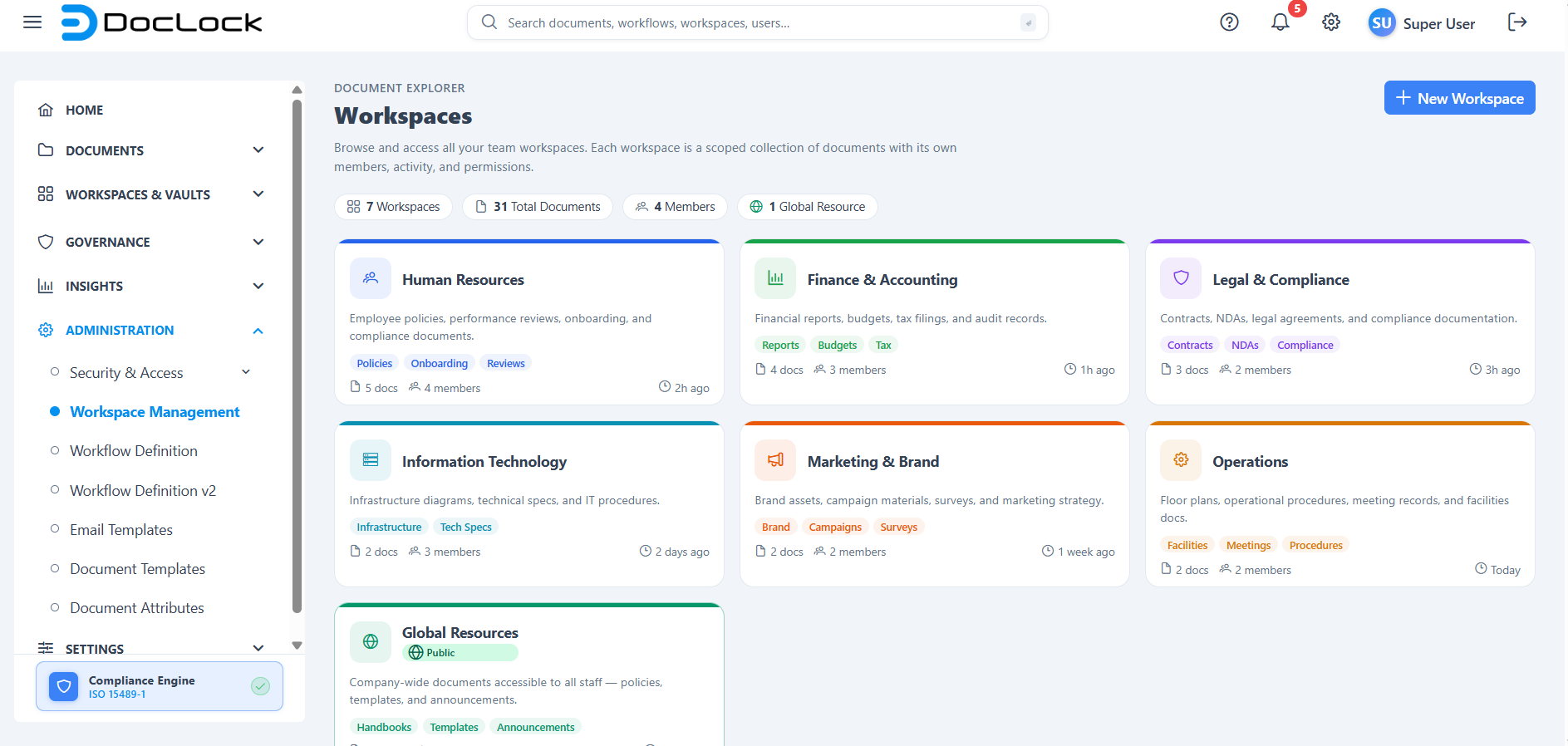
How this guide is organized
DocLock is organized into a few main areas, each with its own section in this documentation. You'll only see the areas your role allows.
| Section | What it covers |
|---|---|
| Introduction | Orientation: the interface, core concepts and terminology, and the access model. |
| Getting Started | Sign in, do your first tasks, set up your account, and (for admins) requirements and licensing. |
| Home & Global Experience | Your dashboard, global search, notifications, profile, and in-app help. |
| Document Explorer | Browse all documents, recent items, advanced search, trash, and document details. |
| Workspaces & Vaults | Team workspaces, your Personal Vault, Official Records, and workspace roles. |
| Document Management | Upload, versioning and locking, preview/download/share, metadata, and templates. |
| Workflow Management | Define and run review/approval workflows. |
| Reports & Insights | Activity, compliance, storage, user activity, and audit trail reports. |
| Governance & Compliance | Legal holds, retention, audit traceability, and controls. |
| Administration | Users, roles, workspace role design, and document attributes. |
| System Settings & Integrations | Organisation settings, integrations gallery, and license details. |
| Help, Support & About | Documentation, contact support, version, and legal notices. |
Note: The menu is permission-aware. If you don't have access to an area, it simply doesn't appear in your menu — that's expected, not an error.
Where to go next
- The DocLock Interface — a tour of the layout you'll see on every screen.
- Core Concepts & Terminology — workspaces, vaults, statuses, roles, and more.
- User Types & Access Model — why your screen looks the way it does.
- Quick Start — sign in and do your first tasks.
Tip: Every page in this guide includes a "How to open this screen" note, a description of what you'll see, step-by-step instructions, and a troubleshooting table.